iPhone app
Ausgabentracker for iPhone.
Know what’s really left: the app subtracts everything still due before month end from your balance and shows what’s really free. With widgets, notifications and Face ID.
Coming soon to the App StoreStart in the browser now
Overview
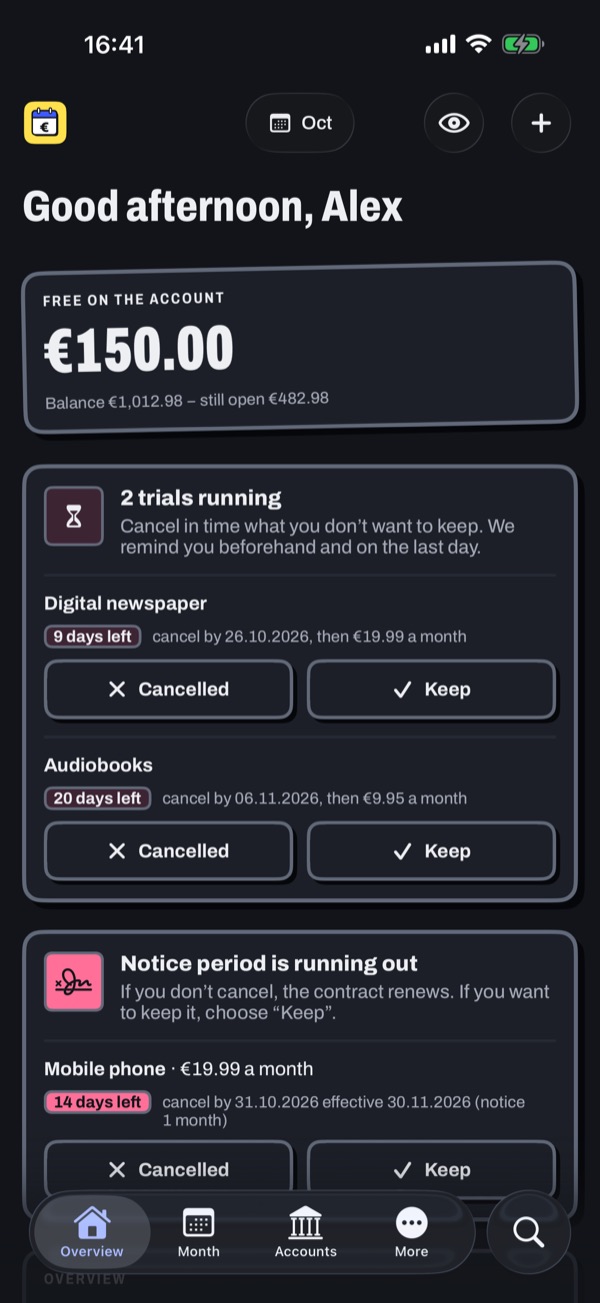
Know what’s really left.
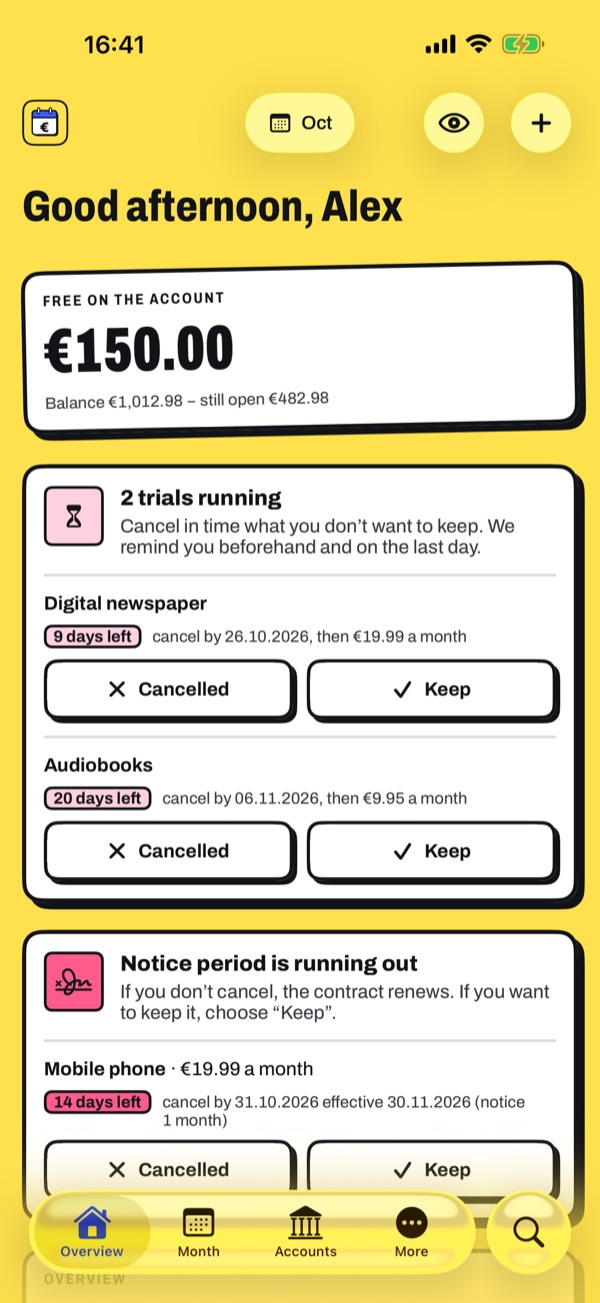
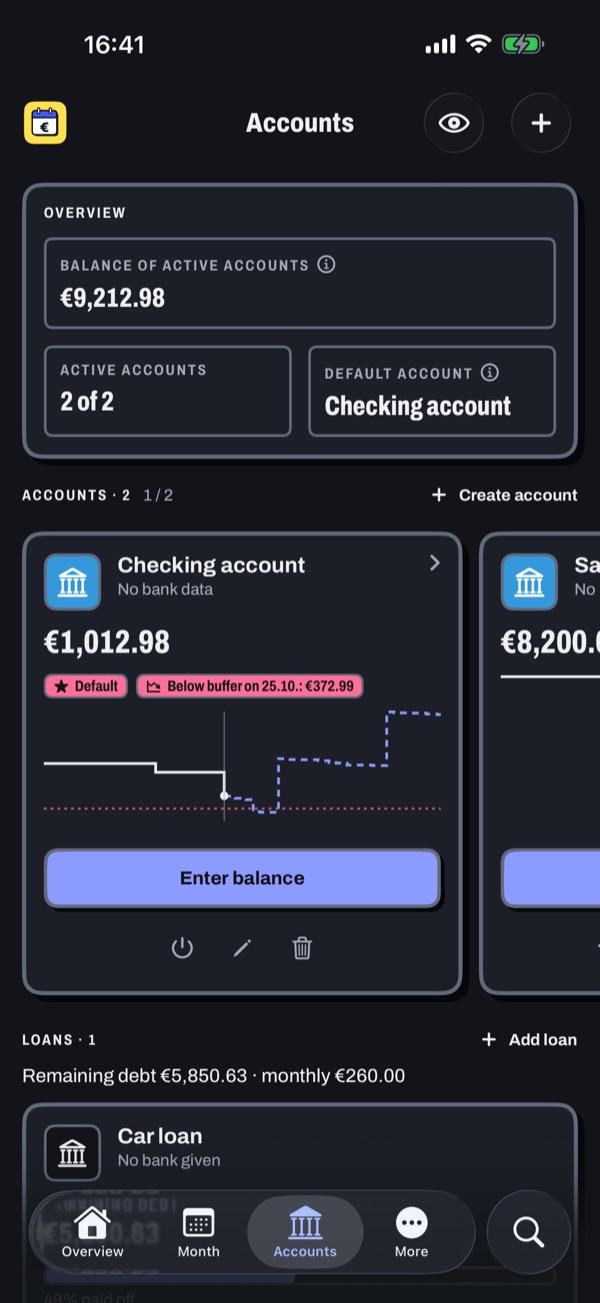
More than your balance: the app subtracts everything still due before month end, what your budgets have planned and what goes into your reserve. What remains is an honest number.
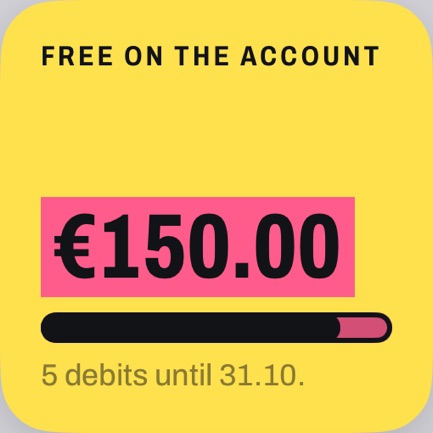
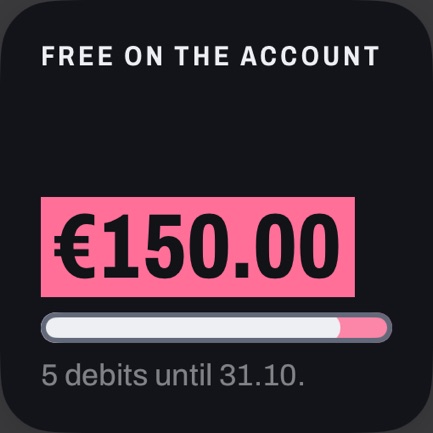
- Free to spend: your balance minus everything still due this month
- Income, paid, still open and surplus rate at a glance
- Budgets per category, with a warning before money runs short
- Reserve for yearly costs such as car insurance
Month and deadlines
Plan ahead, don’t just look back.
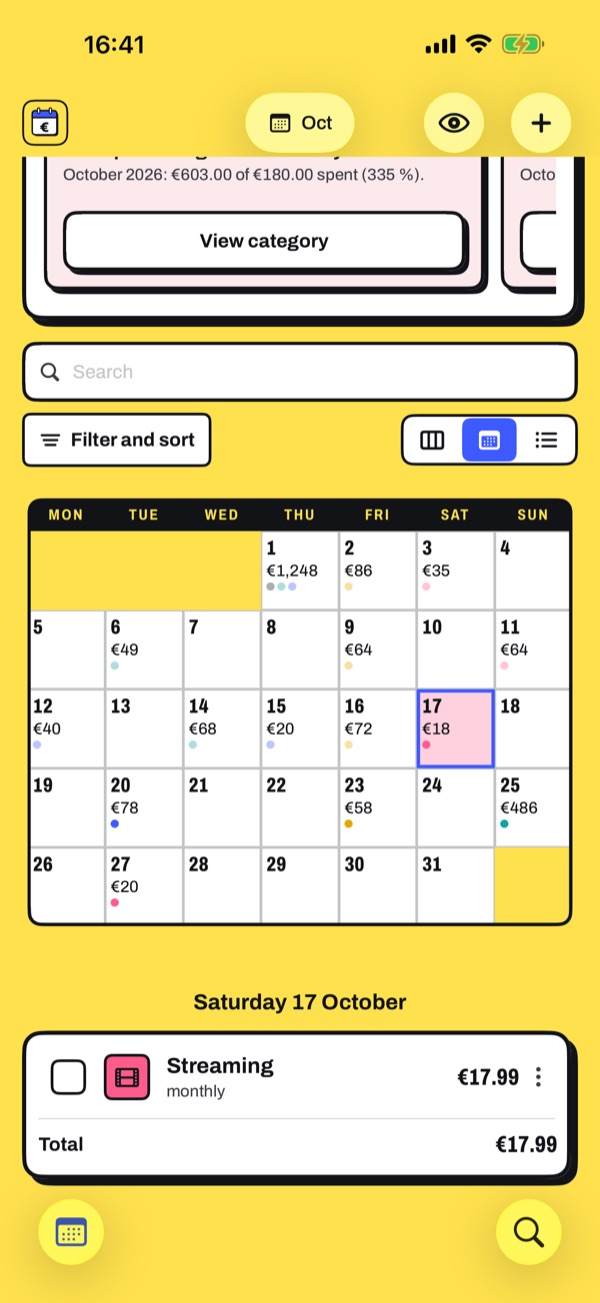
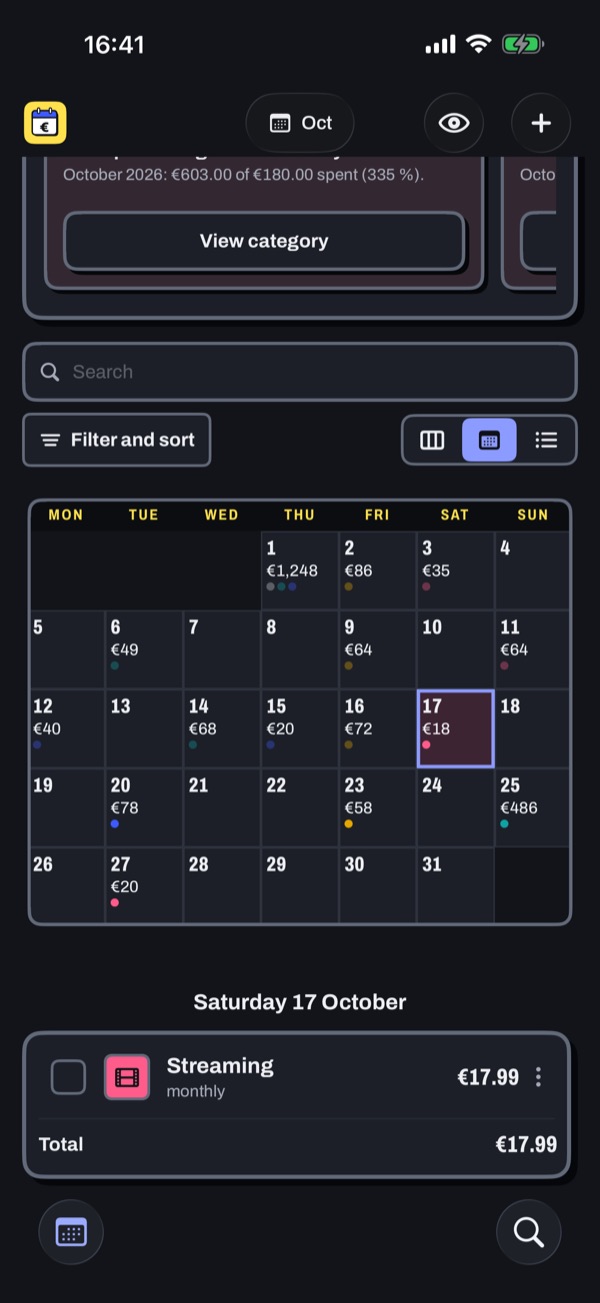
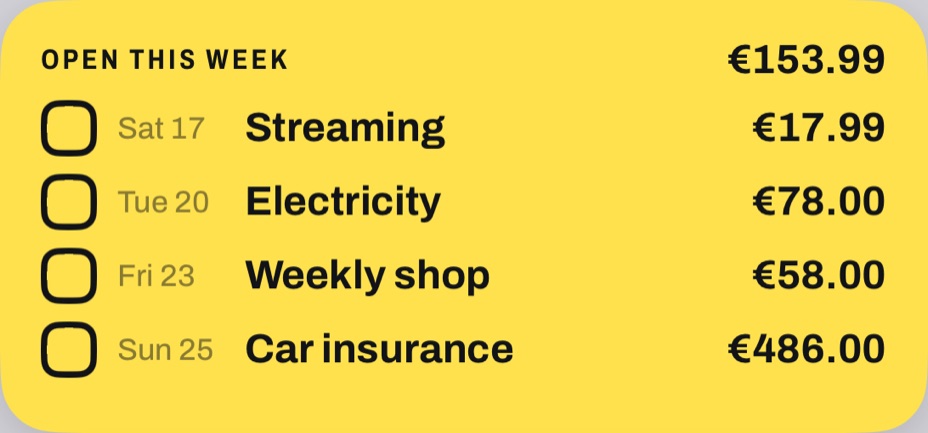
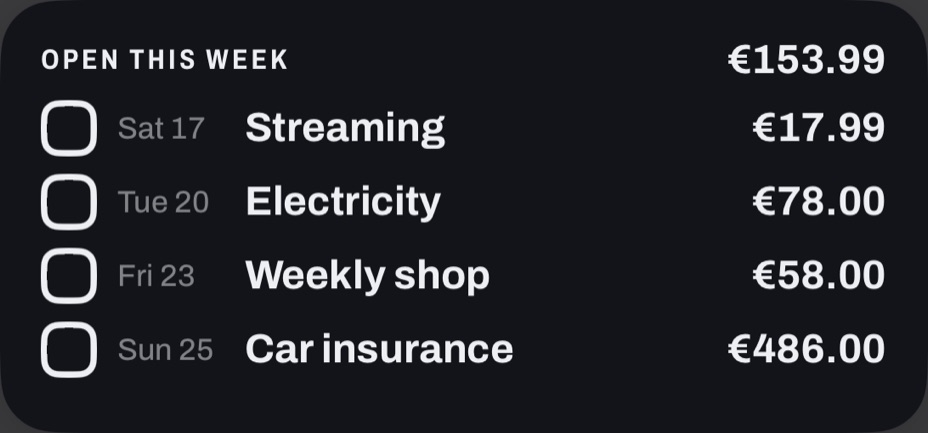
Every expense sits on its day. Check off what has been debited with a tap or a swipe.
- Calendar, week strip or list, debits to check off
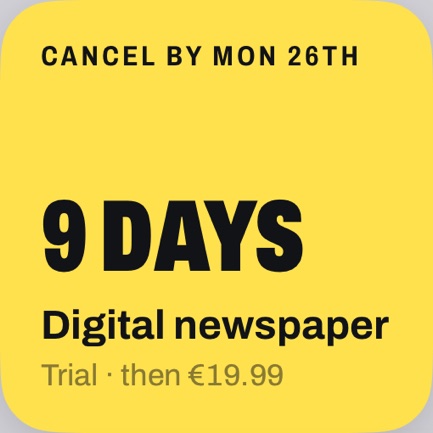
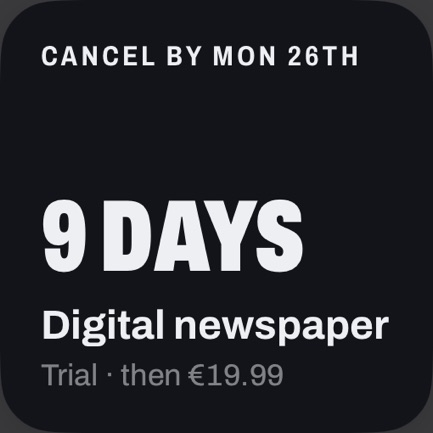
- Contracts and free trials: the app works out the last day to cancel and reminds you in time
- Loans with a repayment plan, savings goals with a monthly rate
- “What if …?”: try out new costs before you commit
Forecast and analysis
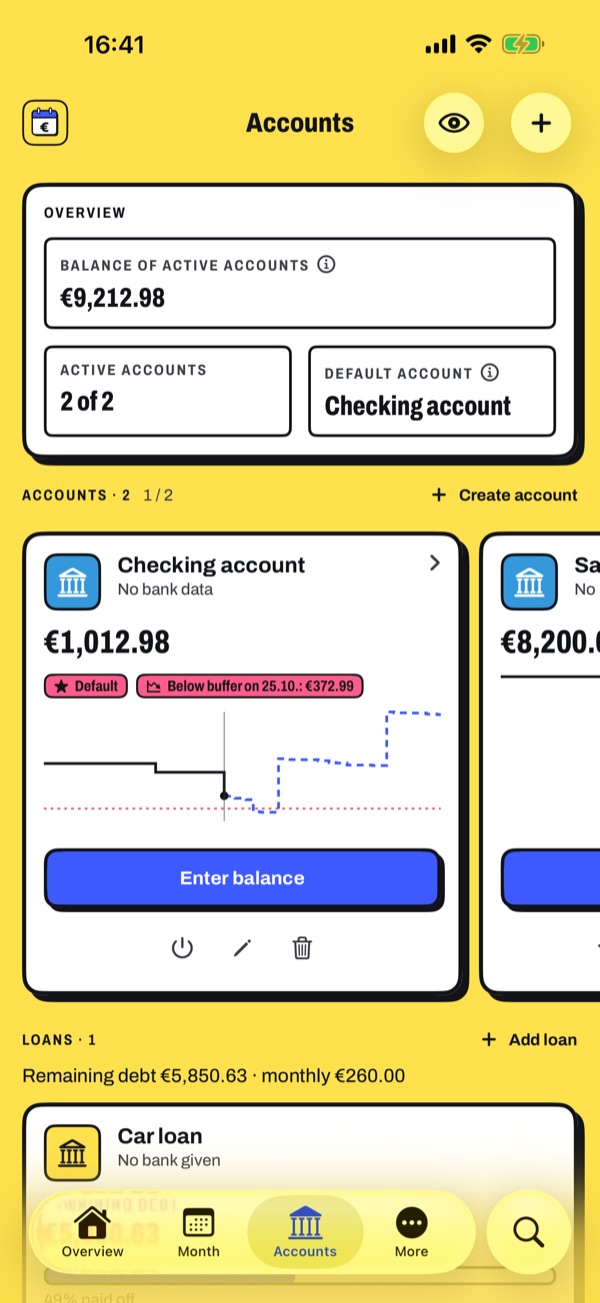
See in advance when it gets tight.
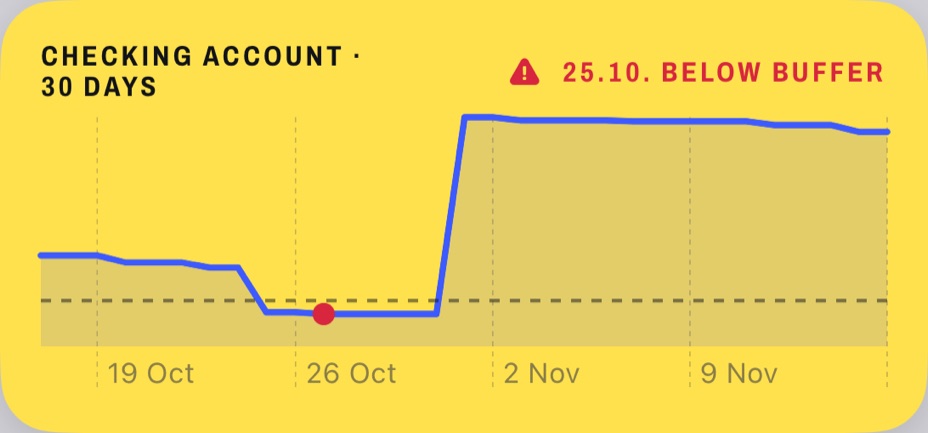
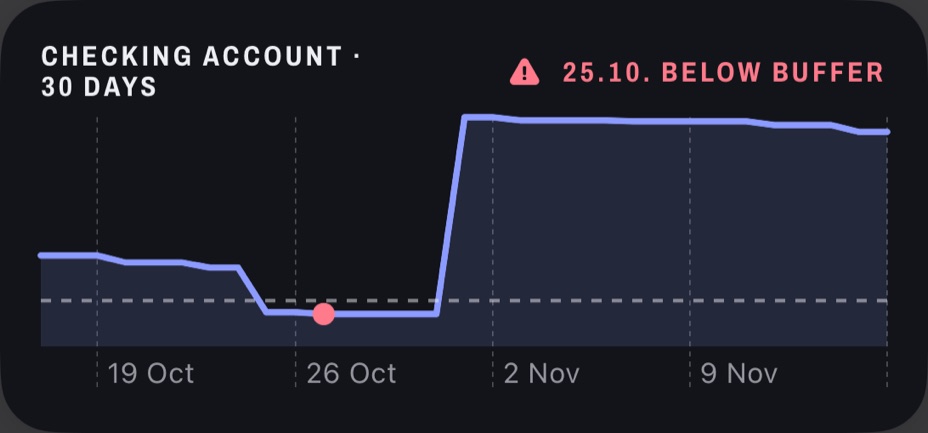
The forecast includes every planned debit and warns you before your buffer runs out.
- Balance per account, history and lowest point until month end
- Analysis by category, fixed costs and patterns, compared with last month
- Hints when something stands out: pricier subscriptions, tight budgets, outliers
- Year in review with your biggest categories
Made for iPhone
Your money on your Home Screen.
- WidgetsFor Home and Lock Screen: free until month end, debits to check off, deadlines, budgets, forecast and savings goal.
- NotificationsBefore debits and deadlines, with the content only on your device.
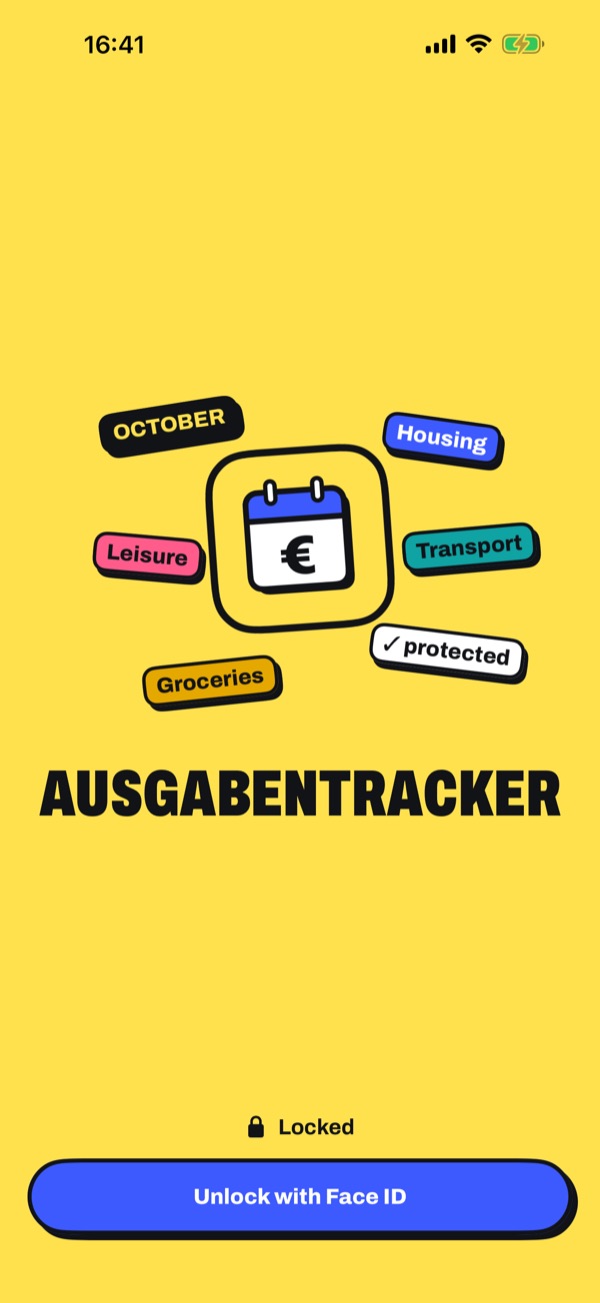
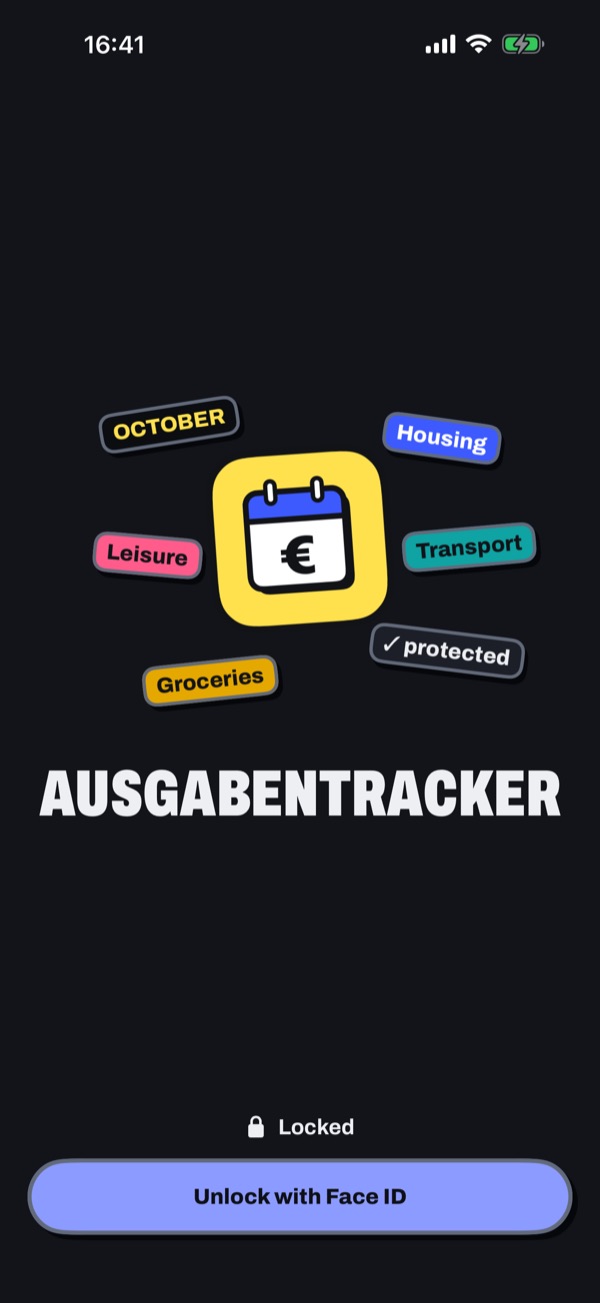
- Lock with Face IDThe app only opens after Face ID or your passcode. In the overview, the eye hides all amounts.
- Search and ShortcutsSearch across all months; add expenses with Shortcuts or Siri.
- Works offlineYou can always add entries; the app sends them later. What it stores on the iPhone is encrypted.
- Just like the browserSame account, same data: what you enter in the browser shows up in the app right away, and the other way round.
Privacy
Your data stays yours.
- No ads, no tracking
- In the Ausgabentracker cloud or on your own server
- Passkeys, two-factor sign-in, device list and activity log
- Export and import any time, delete your account with all data
More in the Privacy policy.
How to get started.
- Get the appComing soon for free on the App Store. Until then, create your account in the browser; the app takes over everything.
- Choose a serverThe Ausgabentracker cloud with one tap. Connect your own installation with the QR code from Settings → iPhone app.
- Sign inWith email and password or a passkey, optionally with a second factor. You can also create a new account right in the app.
Frequently asked questions
- What does the app cost?
- Nothing. In the Ausgabentracker cloud, the Basic plan is free: no trial, no subscription and no payment details.
- Do I also need the browser?
- No. The app does everything, including settings, data export and administration. The browser remains a second door to the same data.
- Does the app work with my own server?
- Yes, with self-hosted installations and your own instances. Under Settings → iPhone app, your server shows a QR code that you scan when you start the app.
- What is stored on my iPhone?
- Only what the app needs for widgets and on the go, encrypted. Signing out deletes everything from the device.
- And on Android or a computer?
- There you use Ausgabentracker in the browser. You can add it to your home screen like an app, and it works offline too.